
The patient’s own page
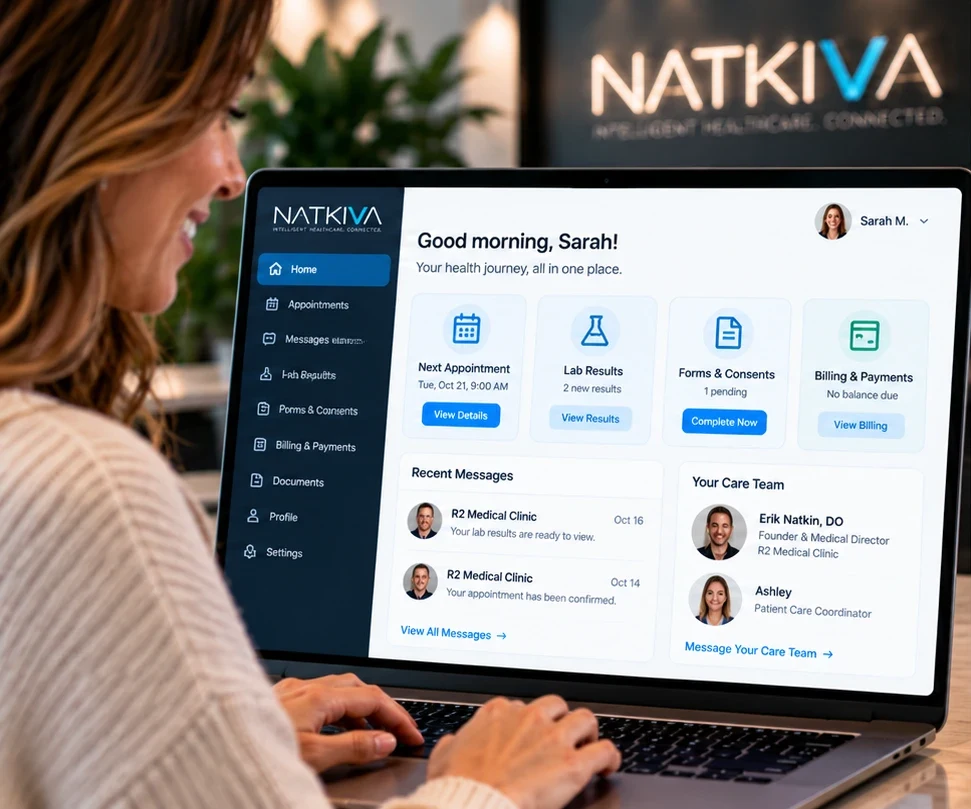
Patients sign in to their own portal to see upcoming visits, book, message the clinic, see billing and documents, and keep their details current.
Their own login, not the staff one
Patients have their own secure login, separate from every staff account, with a code at each sign-in. The first sign-in comes from an invitation the clinic sends.
Book without calling
Patients choose the kind of visit, the provider, in person or telehealth, and an open time, all within the clinic’s own scheduling rules. A confirmation follows at once.
What patients see is the clinic’s choice
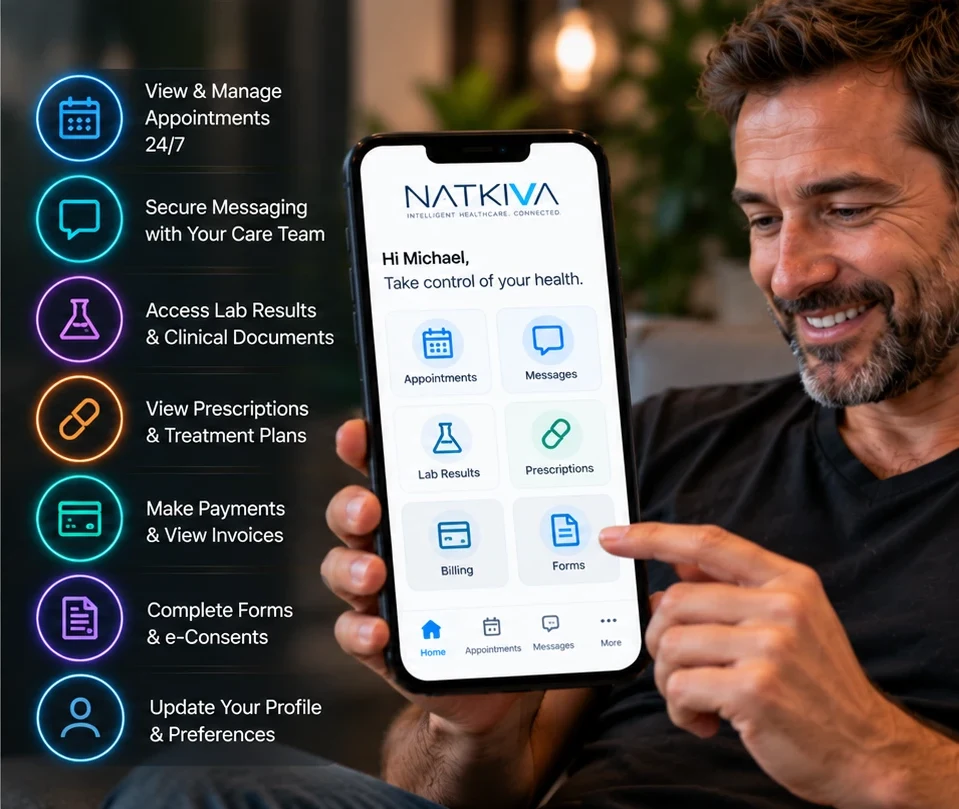
Upcoming and past visits, messages, billing, documents and lab reports, contact details: each section is a switch in Settings, and the portal shows only the sections turned on.
Secure messages instead of email
Patients message the clinic inside the portal, can attach a photo or a document, and read the documents and lab results the clinic shares with them. Read about secure messaging.
Details that stay current
Patients can correct their home and mailing address, and change their mobile or email after confirming a code sent to the new one. Nothing else in the chart is patient-editable.
From the clinic’s website
The clinic’s website gets a Patient Portal button that opens the portal on the clinic’s own Natkiva address. Staff invite, reset or revoke a patient’s access from the patient’s record.
Keep exploring the platform.
Natkiva is in active development, built and tested inside R2 Medical Clinic in Denver. See how the parts fit together or get in touch.